
Home/Programs/Computer Training
Beginner to Workplace-Ready · Adults & Seniors · Flexible ScheduleComputer Training
It is fine if you have never turned a computer on. We start from the beginning and work up through Microsoft Office, email, the internet, and the everyday digital skills used in offices and healthcare settings.
Computers are not hard. Nobody ever explained them to you properly.
Most people sit down at a computer worried they will press the wrong thing and break it. Removing that fear is the goal of the first lesson.
We move slowly. We explain the same thing more than once, have you do it yourself, then go over it again the following week. We would rather you actually own a skill than finish a syllabus. Both our adult and senior students tell us this pace suits them.
Korean-language support is available. If an explanation does not land, ask again in Korean.
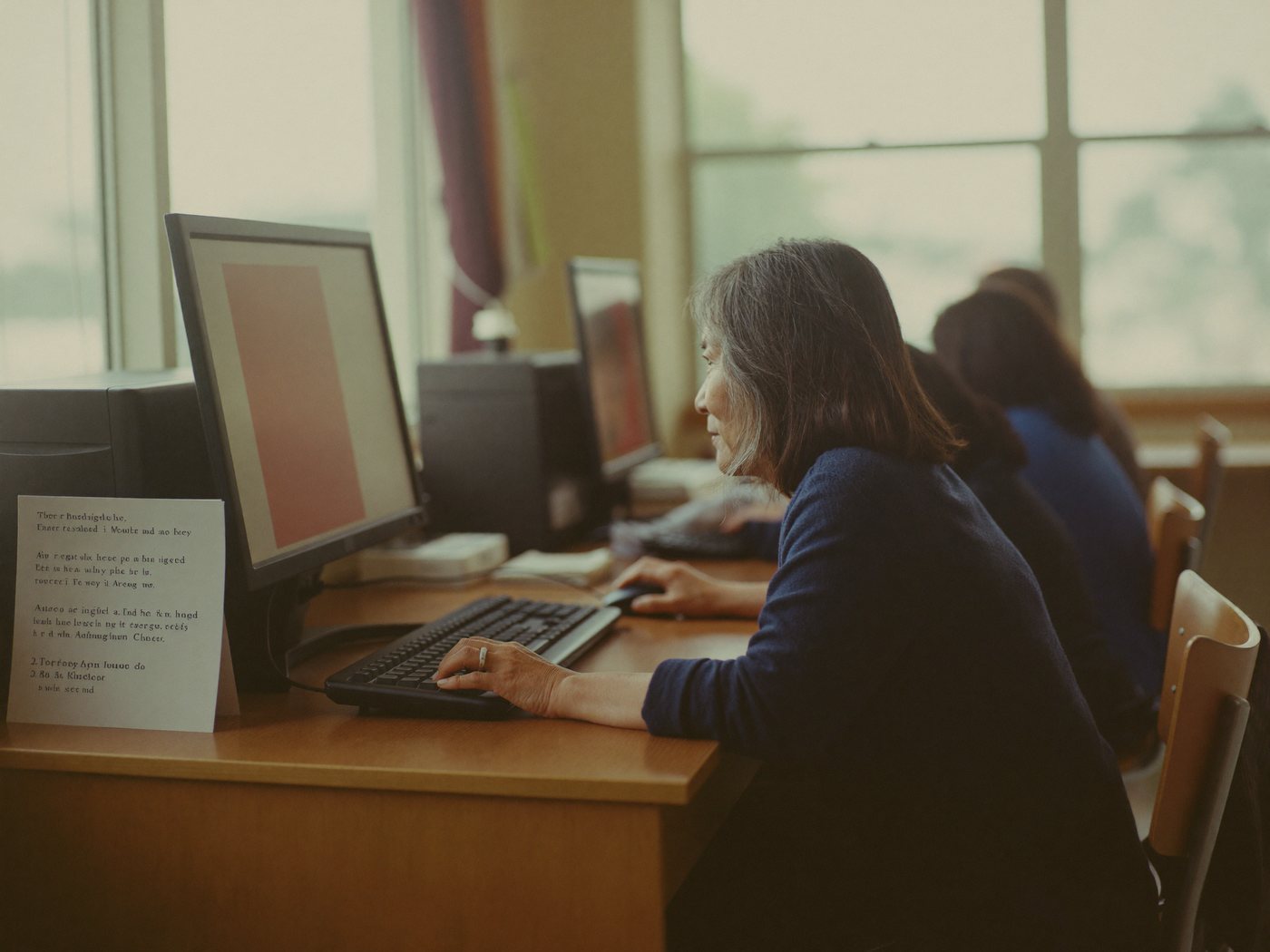
Start where you actually are
We check your current level during the first conversation and place you accordingly.
Foundations — getting comfortable
- Turning it on, using a mouse and keyboard
- Files and folders — saving things and finding them again
- Browsing the internet and staying safe on it
- Setting up email, sending, receiving, attachments
- Storing and organizing photographs
Microsoft Office
- Word — writing documents, formatting, printing
- Excel — building tables, basic formulas, sorting and filtering
- PowerPoint — putting together a presentation
- File formats and converting to PDF
- Sharing documents and saving to the cloud
Workplace — office & healthcare
- Professional email — writing it and managing it
- Online forms, applications and uploads
- Calendars and scheduling with a team
- Video meetings — Zoom and Teams
- Privacy, passwords and recognizing scams
A separate class, at a separate pace
Our senior classes run differently. Larger text on screen, one idea at a time, and as many repetitions as it takes. Nobody gets left behind because the person next to them moved faster.
- Video calling children and grandchildren
- Saving, organizing and printing photographs
- Online banking and paying bills — safely
- Booking medical appointments and using patient portals
- Spotting scam texts, calls and emails

How the classes run
Flexible scheduling
Weekday, evening and weekend slots. We work out a time with you at enrollment.
Computers provided
Use ours in class, or bring your own laptop — sometimes learning on the machine you actually use at home works better.
Small groups
Class sizes stay small enough that the instructor can actually see everyone's screen.
Printed step-by-step notes
You go home with printed instructions so you can repeat everything on your own.
Fees and available times are confirmed at enrollment. Call 201-887-6388 or email [email protected].
Taking the CPhT program too?
Pharmacy work happens on a computer — dispensing systems, insurance claims, inventory. Students who are comfortable with a keyboard find the certification course much easier.
The first lesson is easier than you think.
Call and we will work out together which level to start at.